
How to Write Better AI Image Prompts

POTO AI
3/15/2026
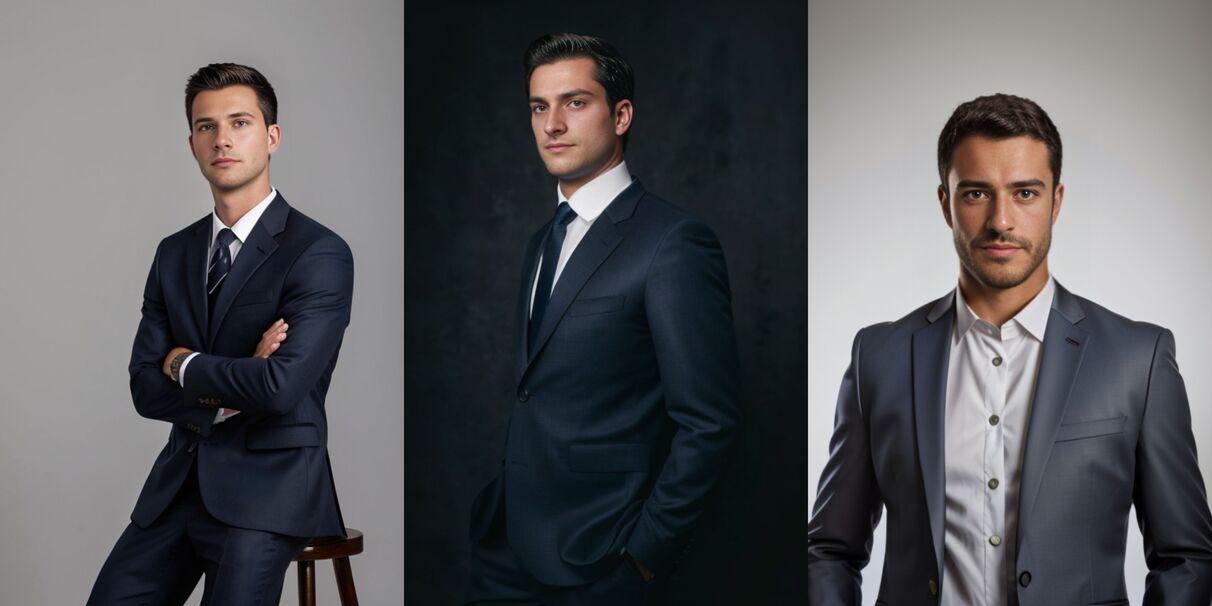
Why prompt quality matters
AI image models respond to specificity. Vague prompts like "a cool poster" leave too much to chance. Clear prompts about subject, style, lighting, and framing produce more consistent, usable results.
Start with the subject
Lead with what should appear in the frame. Name the subject, setting, and action before you add style keywords.
Example: "A ceramic coffee mug on a marble counter, soft morning light from the left, shallow depth of field."
Add style and medium
Tell the model how it should look — photo, illustration, 3D render, editorial poster, product shot. Style words steer the aesthetic more reliably than adjectives alone.
Control light and camera
Lighting and camera language improve realism: "softbox lighting", "golden hour", "35mm lens", "overhead flat lay", "cinematic wide shot".
Iterate from inspirations
On POTO AI, browse the Inspirations gallery, copy a prompt close to your goal, then edit the subject and details. Remixing a strong base prompt is faster than writing from scratch.
Keep a short checklist
- Subject and setting
- Style or medium
- Lighting and camera
- Mood or color palette
- What to avoid (optional negative cues in Studio when available)
Generate smarter in Studio
Pick a model that matches your goal — photoreal, illustration, or fast drafts — and check the credit cost before you generate. See the Models catalog for options.